WAN Tutorial
A LAN covers a small, local area — a building or a campus — while a WAN (Wide Area Network) connects networks across much greater distances, from a few kilometers to thousands. LANs typically sit inside places like a home, an office, or an ISP’s own facility; WANs are what link those separate locations together. The Internet itself is simply the largest WAN in existence.
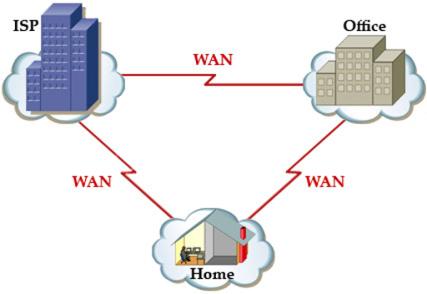
Because WAN links span such long distances, individuals or companies rarely own the cabling themselves the way they might own their in-house LAN wiring — nobody has the right to just bury a cable between two buildings across a city. Instead, they lease connectivity from a network service provider (an ISP, a cable company, a telephone company) that already operates in the area. This is far cheaper than building and maintaining the physical link yourself.
Note: serial links over copper used to be the classic picture of a WAN connection, but fiber optic cabling has become just as central to both LAN and WAN links today. Its huge bandwidth, very low signal loss, long reach and strong security make it an increasingly common choice.
The rest of this article is for members
The full walkthrough, configuration examples and verification steps are available exclusively to paid members.
View membership plans Log in